From spreadsheets to systems: when to move, and how to do it without chaos
Spreadsheets run a remarkable amount of business, until they don't. Here are the signs you've outgrown yours, the options between "a better spreadsheet" and "custom software", and how to switch without losing data or goodwill.
Almost every business runs on a spreadsheet at some point. Orders, stock, bookings, customers, payroll, deliveries: someone opens a blank sheet, adds some columns, and it works.
That isn’t a mistake. A spreadsheet is flexible, everyone knows roughly how to use one, and it costs next to nothing. For a small team with a simple process, it’s often the right tool.
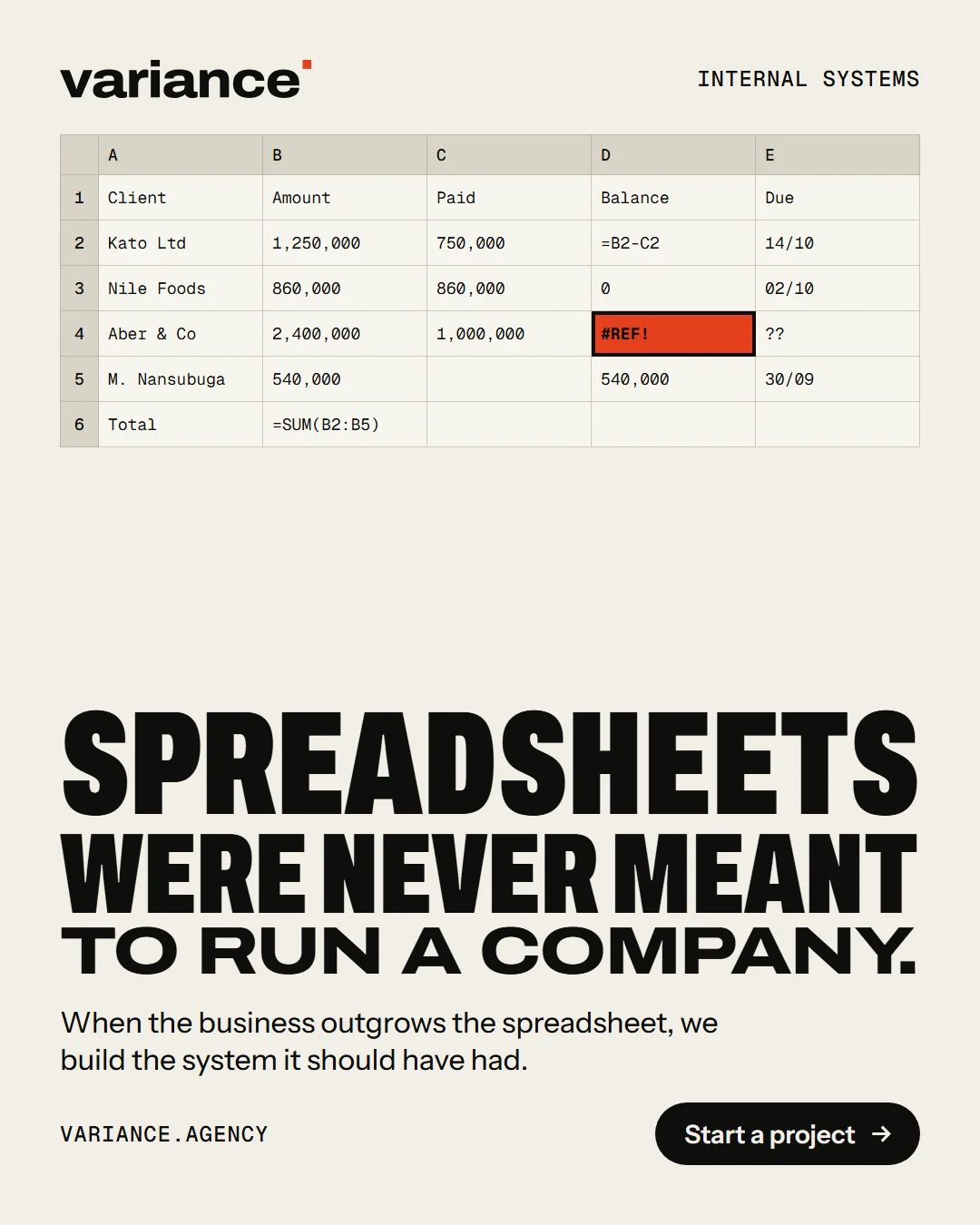
The trouble starts gradually. More people need to use it. Copies appear. Someone overwrites a formula. A customer asks where their order is, and the answer takes ten minutes and three phone calls. At some point the spreadsheet stops being a tool and becomes a risk.
This guide is about recognising that point, understanding the options, and making the switch in a way your team will actually accept.
Signs you’ve outgrown the spreadsheet
No single sign means you must move. But if several of these sound familiar, it’s worth thinking about.
There are copies. “Orders 2026 FINAL”, “Orders 2026 FINAL v2”, “Orders – Sam’s copy”. Nobody is sure which one is right.
Several people edit it at once, and things get lost or overwritten.
Information is typed in more than once. An order goes into the orders sheet, then into the invoice sheet, then into the delivery sheet. Every copy is a chance for a mistake.
Mistakes are hard to spot. A typo in a customer’s name creates what looks like a new customer. A number typed as text quietly breaks a total.
There’s no history. When something changes, you can’t easily see who changed it, when, or what it was before.
One person understands it. The formulas, the colour coding, the hidden tabs. When they’re away, things slow down. If they left, you’d be in trouble.
Everyone can see everything. The sheet with customer phone numbers also has supplier prices and staff pay, and there’s no simple way to show each person only what they need.
It doesn’t work well on a phone. Your team is out on deliveries, at client sites or on the shop floor, and scrolling a wide spreadsheet on a small screen is painful.
Customers are asking questions you can’t answer quickly. “Where’s my order?” “When is my appointment?” “How much do I owe?”
Reports take a day. Every month someone spends hours copying, filtering and pasting to produce numbers that should take seconds.
What a “system” actually is
“System” sounds big and expensive. It doesn’t have to be. Underneath, most business systems are the same few pieces:
- A database: one place where each piece of information is stored once, in a consistent format.
- Forms: screens for adding and editing records, which check the information as it’s entered (a phone number looks like a phone number; a delivery date can’t be in the past).
- Rules: what happens automatically. When an order is marked paid, the warehouse sees it. When stock drops below a level, someone is told.
- Roles: who can see and do what. The delivery driver sees today’s drops; the accountant sees invoices.
- History: a record of who changed what, and when.
- Reports: the numbers you need, available whenever you want them.
A spreadsheet can imitate some of this, with enough effort. A system does it by design.
Your options, from smallest step to largest
There’s a ladder of options between “the spreadsheet we have” and “custom software”. It’s worth starting at the bottom and only climbing as far as you need to.
1. A better spreadsheet
Sometimes the problem is how the spreadsheet is set up, not the spreadsheet itself. Before you replace it, it’s worth asking whether you could:
- Keep one shared copy online (in Google Sheets or Microsoft 365) instead of files emailed around.
- Use data validation, so columns only accept the right kind of value, and drop-down lists for things like status.
- Protect the formulas and headers so they can’t be overwritten by accident.
- Use a form for adding new entries, so people don’t type straight into the sheet.
- Split one giant sheet into sensible tabs, with a single list of customers or products that the others refer to.
This costs very little, and for a small team it can buy a lot of time.
2. Off-the-shelf software
For many common processes, such as accounting, invoicing, bookings, point of sale, stock, customer relationships and payroll, there’s already software built for exactly that job. Often there are several good options, sold by subscription.
The advantages: it’s ready now, it’s maintained by someone else, and it’s been tested by thousands of other businesses.
The drawbacks: you adapt to how it works, not the other way round. Costs are often per user, per month, and add up as you grow. And if you use several tools, you may end up copying information between them, which is the problem you were trying to escape.
If an off-the-shelf tool fits your process well, it’s usually the right answer. Try it with real work during a trial before you commit.
3. No-code and low-code tools
Tools such as Airtable, Google AppSheet, Notion and others let you build simple databases, forms and workflows without writing code. They sit between a spreadsheet and custom software.
The advantages: quick to set up, easy to change, and often much better than a spreadsheet for shared data, roles and phone use.
The drawbacks: they can get complicated as they grow, and complicated no-code setups can be as fragile and person-dependent as the spreadsheet they replaced. Pricing usually rises with users and records. And you’re building on someone else’s platform, so check how you’d export your data if you ever wanted to leave.
4. A custom system
A system built specifically for how your business works.
The advantages: it fits your process exactly, it can connect the pieces other tools leave separate, it can grow with you, and you can own it outright.
The drawbacks: it costs more upfront, it takes time to build, and it needs looking after. It’s also only as good as the understanding of your process that goes into it.
Custom software makes the most sense when your process is genuinely different from what off-the-shelf tools assume, when you’ve tried the lower rungs and hit their limits, or when joining several systems together would save a lot of manual work.
Map the process before choosing anything
Whatever you choose, the most useful step comes first, and it doesn’t involve any software. It’s writing down how the work actually happens.
Pick one real job, such as a single order or a single booking, and follow it from beginning to end. For each step, note:
- What happens. “Customer sends a WhatsApp message asking for a quote.”
- Who does it.
- What information is recorded, and where. “Sam writes the details in the orders sheet.”
- What decisions are made. “If it’s over a certain amount, Andrew approves it.”
- Where it goes wrong. “Sometimes we forget to follow up.”
Then do the same for the unusual cases: a cancellation, a refund, a partial delivery, a customer who pays in instalments. The unusual cases are where most of the complexity hides, and where systems most often fall short.
This map is valuable whatever you decide. It shows you which problems are really about software and which are about process. It gives any supplier something concrete to quote against. And it often reveals steps that can simply be dropped.
Start small
The biggest risk in moving off spreadsheets is trying to replace everything at once. It’s slow, expensive, and it asks your team to change every habit on the same day.
A better approach is to pick the one process that causes the most pain, often the one customers notice, and replace just that. Get it working, let people get used to it, and learn from it. Then move on to the next one.
Starting small also makes it easier to stop if something isn’t working, before you’ve spent too much.
Moving your data across
The data in your spreadsheets is years of work. Moving it deserves care.
Clean it first. Remove duplicates, fix obvious typos, and make formats consistent: dates in one format, phone numbers in one format, one spelling for each product. This is tedious, but it’s far easier to do before the move than after.
Decide what to bring. You may not need every record from years ago in the new system. Old records can stay in an archived spreadsheet that’s easy to find if anyone needs it.
Do a trial import. Move a copy of the data into the new system and check it carefully. Look up customers you know well. Compare totals with the spreadsheet. Fix what’s wrong and try again.
Keep the old spreadsheet, read-only. Don’t delete it. Lock it and keep it somewhere safe, in case you need to check something.
Running both side by side
For a short, agreed period, it can help to run the new system alongside the old spreadsheet, so you can compare results and build confidence.
Keep that period short, and set a firm date when the spreadsheet stops being updated. If both carry on indefinitely, people will naturally keep using the one they know, and you’ll end up with two sources of truth instead of one.
Bring your team with you
A new system only works if people use it. The most common reason systems fail isn’t technical; it’s that the team quietly goes back to the spreadsheet.
Involve the people who do the work. They know where the real problems are, and they’ll spot things a manager wouldn’t. Show them early versions and act on what they say.
Make it easier than the spreadsheet. If entering an order takes longer in the new system, people will resist it, and they’ll be right to. Every screen should save someone time.
Train people in their actual work, not in every feature. Show the driver how to mark a delivery done. Show the accountant how to find unpaid invoices.
Have someone to ask. For the first few weeks, make sure there’s a named person people can go to with questions, and fix the small annoyances quickly.
What it really costs
When comparing options, look beyond the first price.
- Setup: building or configuring the system, moving the data, training.
- Running costs: subscriptions (often per user, per month), hosting, and any paid services it relies on.
- Looking after it: updates, fixes, small improvements. Software that nobody looks after slowly stops fitting the business.
- Your team’s time: during the switch, and afterwards.
Weigh that against what the current setup costs you: hours spent copying and checking, mistakes that reach customers, and work you can’t take on because the process won’t stretch. Those costs are real, even though they never appear on an invoice.
Questions to ask any supplier
- Have you seen our process map? What would you change about it?
- What does this cost to set up, and what does it cost each month or year after that?
- How does pricing change as we add people or records?
- How will our existing data be moved across, and who checks it?
- Does it work well on the phones our team uses? Does it work with a weak connection?
- How do we control who can see what?
- Can we export all our data, in a standard format, whenever we want?
- If we stopped working with you, what would we keep?
- Who do we call when something goes wrong?
A note on ownership
Whatever you choose, make sure your data stays yours. You should be able to export it at any time, in a format another system can read. With custom software, the code and the accounts should be in your business’s name. We explain what to look for in Who owns your code?
How we approach it
At Variance, projects like this start with the process map, not the software. Sometimes the honest answer is a better-organised spreadsheet or an off-the-shelf tool, and we’ll say so. When a custom system is the right choice, we build it one process at a time, move your data carefully, and make sure it works on the phones your team carries, including when the signal is weak.
If your spreadsheets are starting to feel like a risk, tell us how your work flows. We’ll help you work out the smallest step that makes a real difference.