Company profile
Variance company profile
Who we are, what we build, how a project runs and the work we've done, in sixteen slides. For sharing with a partner, a board or a procurement file.
Resources
Our company profile, the catalogue of everything we build, the logo pack, and something practical for every Academy guide. Free to download, no sign-up.
01
Who we are and how we work, for sharing with a partner, a board or a procurement file.
Company profile
Who we are, what we build, how a project runs and the work we've done, in sixteen slides. For sharing with a partner, a board or a procurement file.
02
Everything we build, as a document to read and as cards to share.
Catalogue
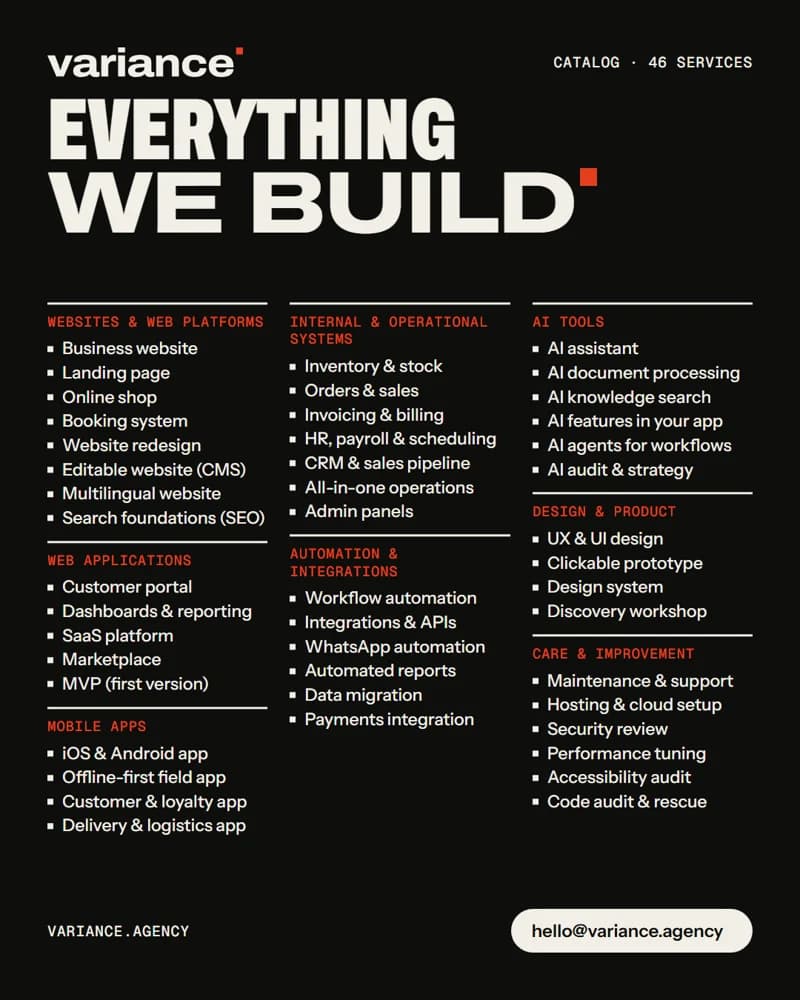
Everything we build, grouped the way businesses think about it: websites, web apps, mobile apps, internal systems, automation, AI tools, design and care.
Product cards
Cards for every service, as images for sharing in a chat, a proposal or a presentation.
03
Our logo in every approved colourway, for partners, press and event listings.
Brand
The wordmark and symbol in every approved colourway, as SVG and PNG, with the rules for using them. For partners, press and event listings.
04
Each Academy article comes with something practical to print and fill in: a checklist, a worksheet or a template. Drawn only from what the article says.
Checklist
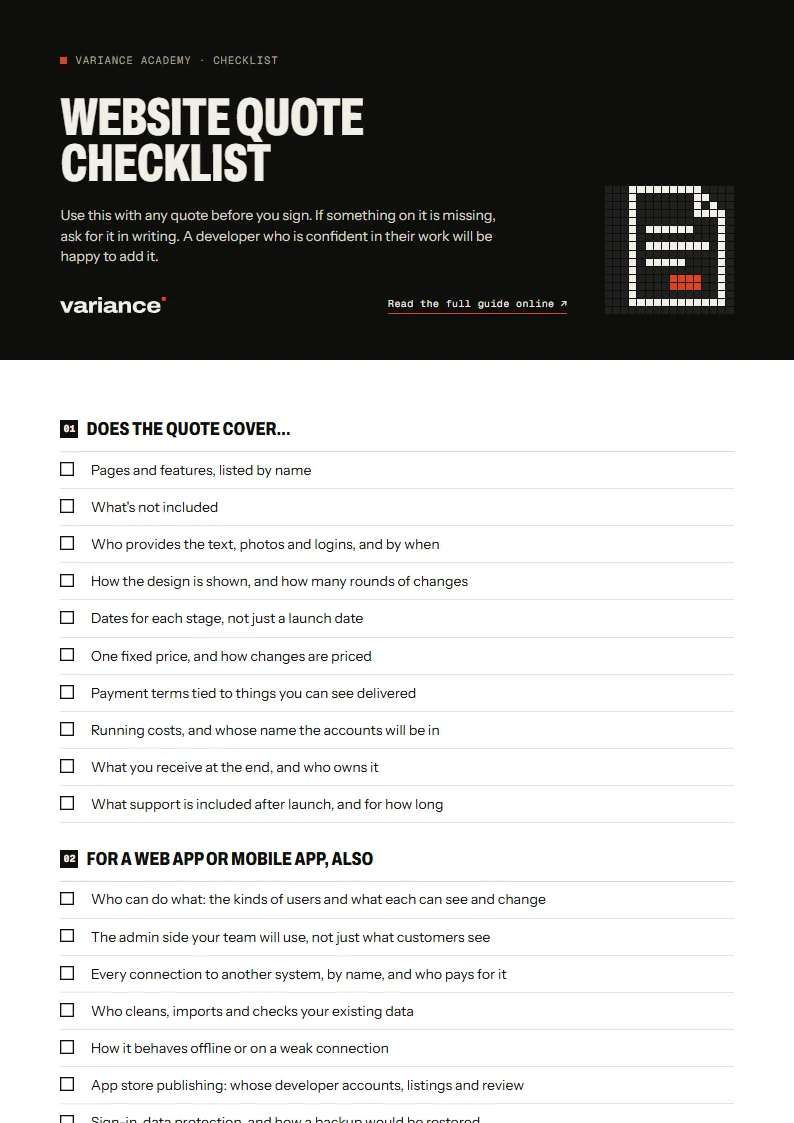
Use this with any quote before you sign. If something on it is missing, ask for it in writing. A developer who is confident in their work will be happy to add it.
Checklist
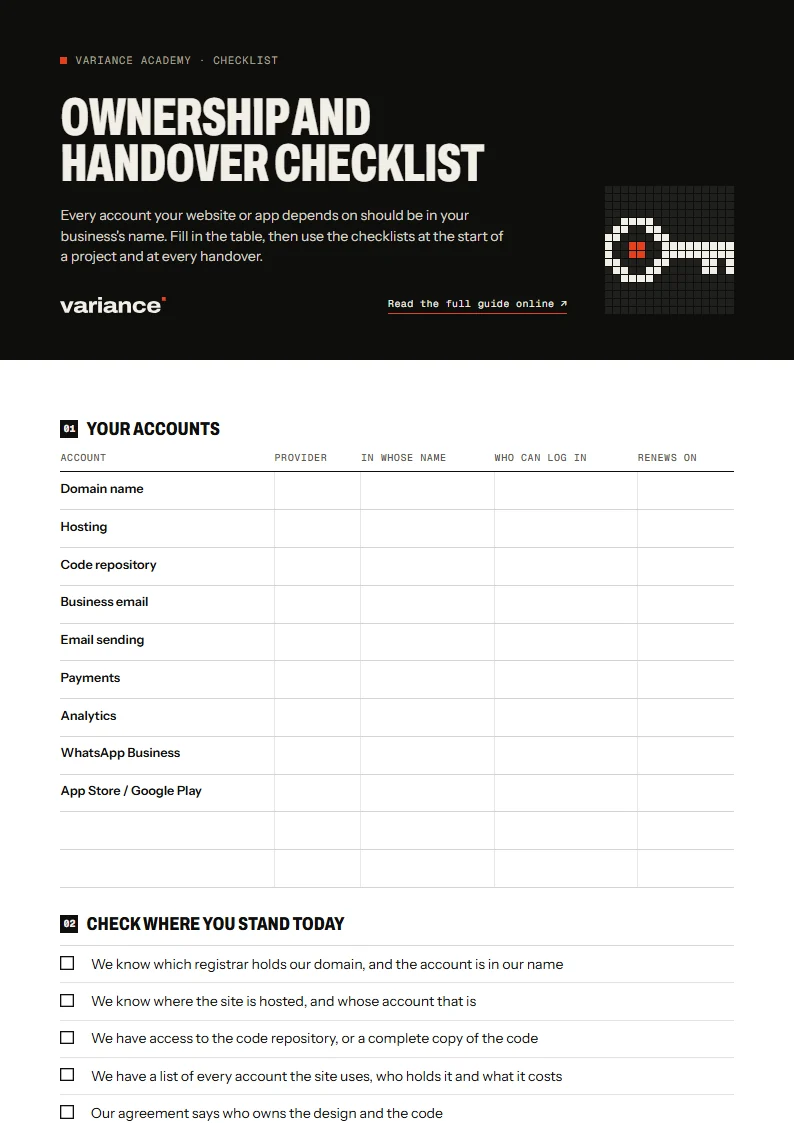
Every account your website or app depends on should be in your business's name. Fill in the table, then use the checklists at the start of a project and at every handover.
Audit
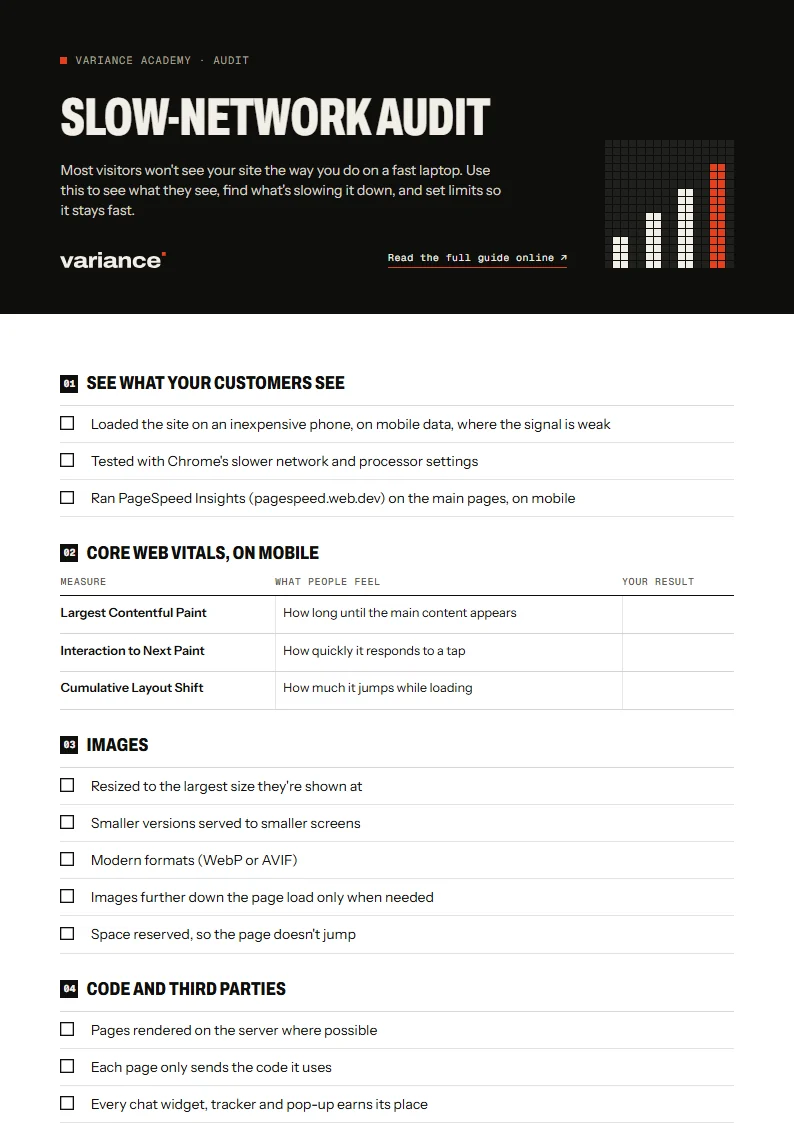
Most visitors won't see your site the way you do on a fast laptop. Use this to see what they see, find what's slowing it down, and set limits so it stays fast.
Worksheet
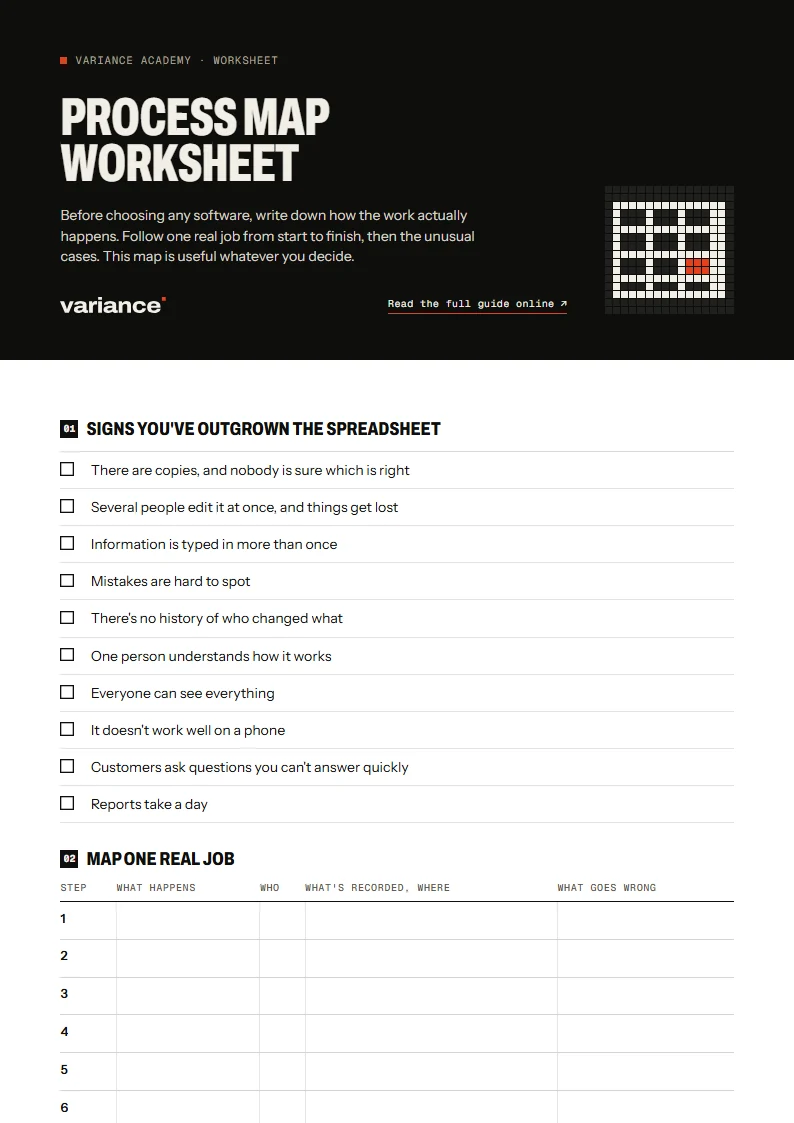
Before choosing any software, write down how the work actually happens. Follow one real job from start to finish, then the unusual cases. This map is useful whatever you decide.
Decision sheet
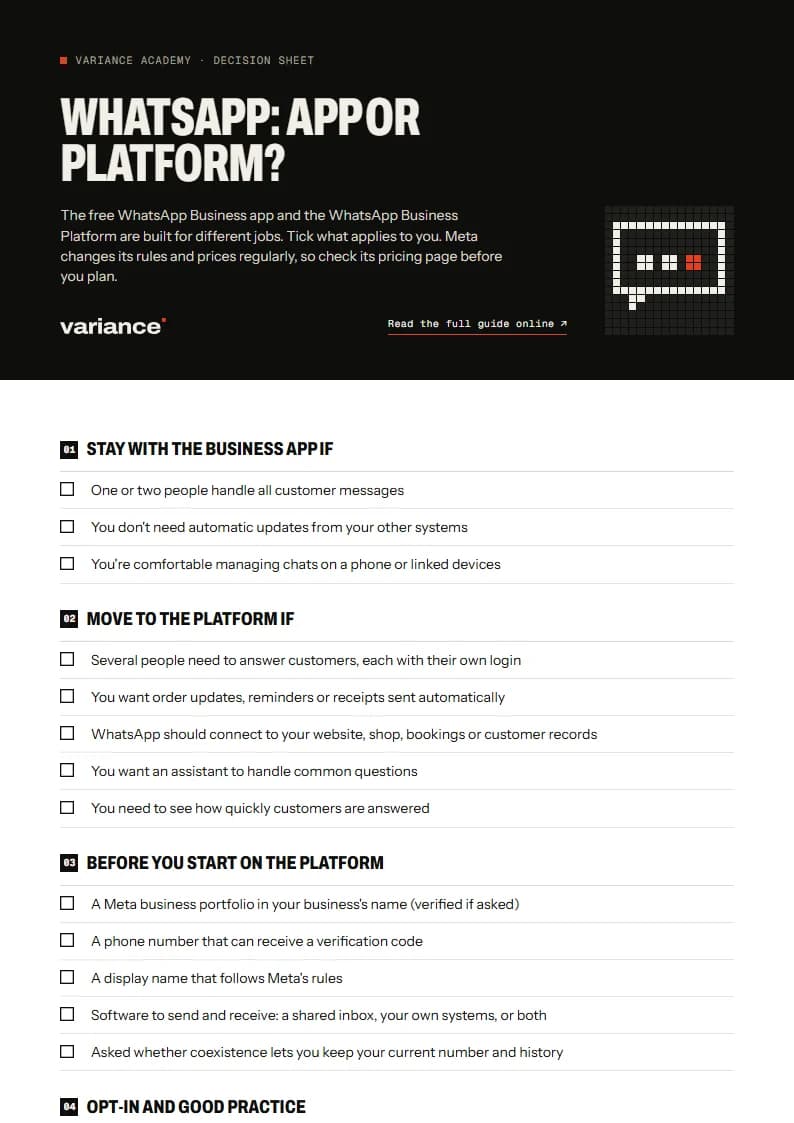
The free WhatsApp Business app and the WhatsApp Business Platform are built for different jobs. Tick what applies to you. Meta changes its rules and prices regularly, so check its pricing page before you plan.
Self-check
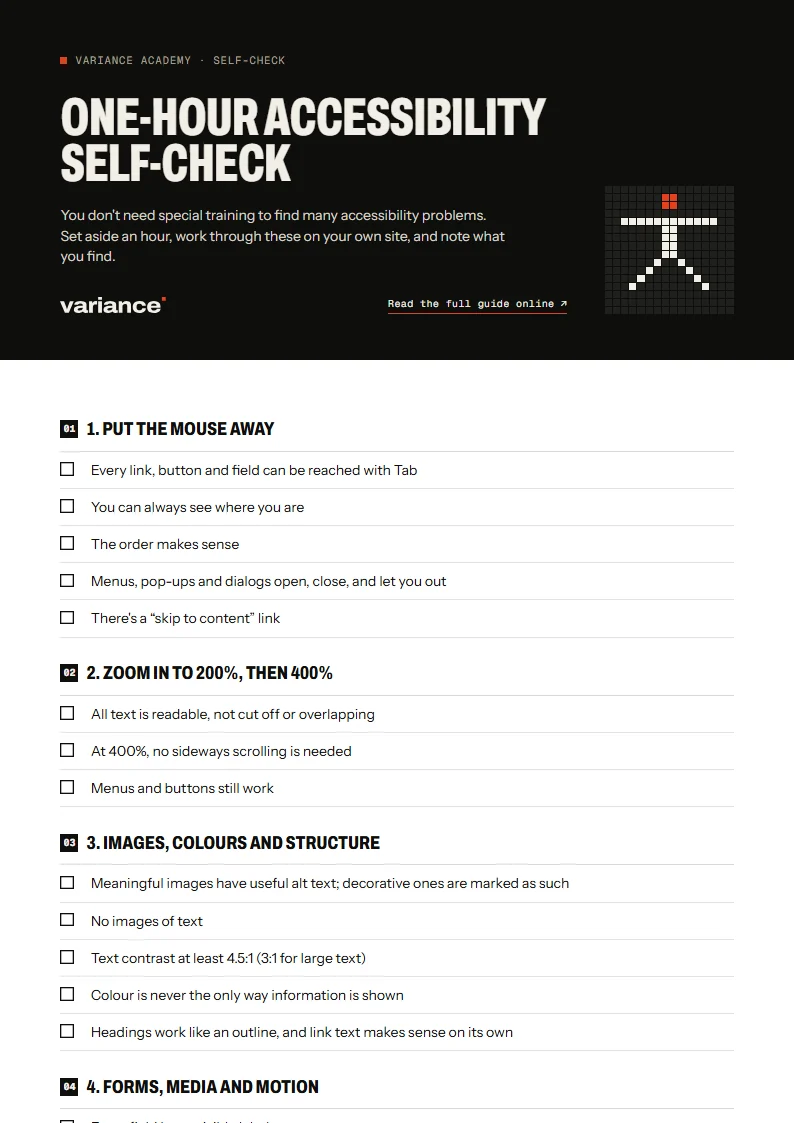
You don't need special training to find many accessibility problems. Set aside an hour, work through these on your own site, and note what you find.
Decision guide
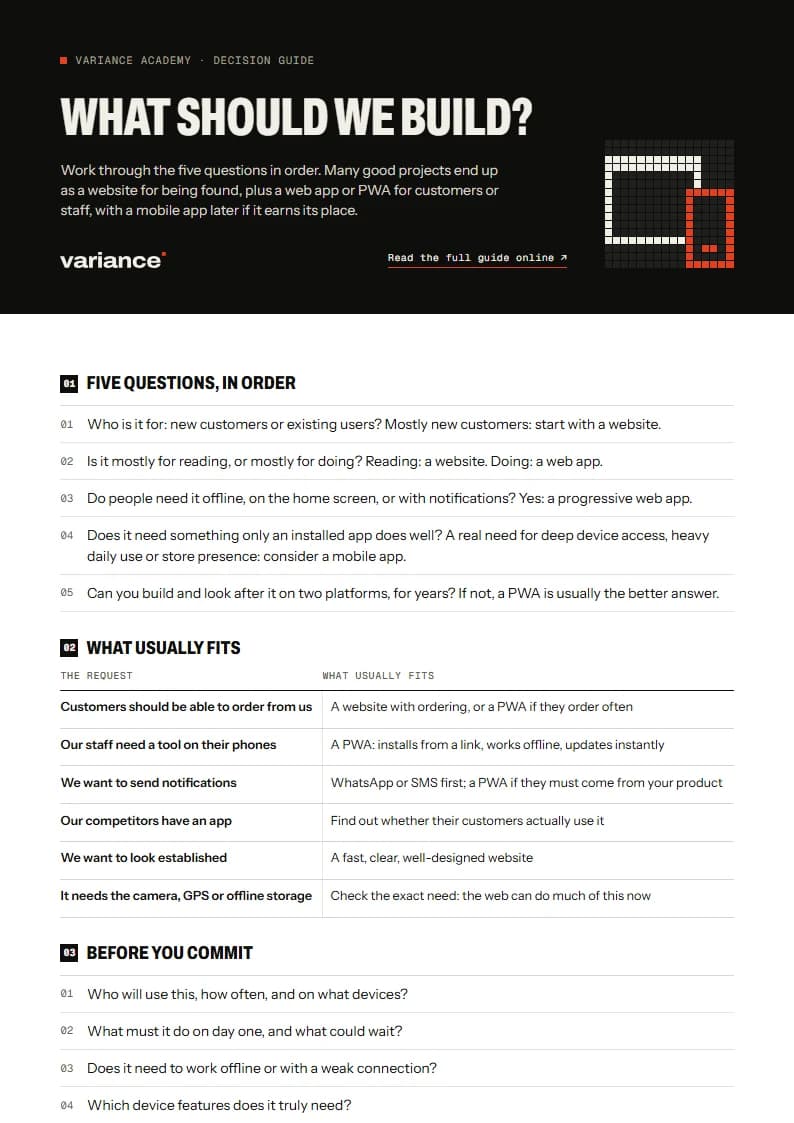
Work through the five questions in order. Many good projects end up as a website for being found, plus a web app or PWA for customers or staff, with a mobile app later if it earns its place.
Checklist
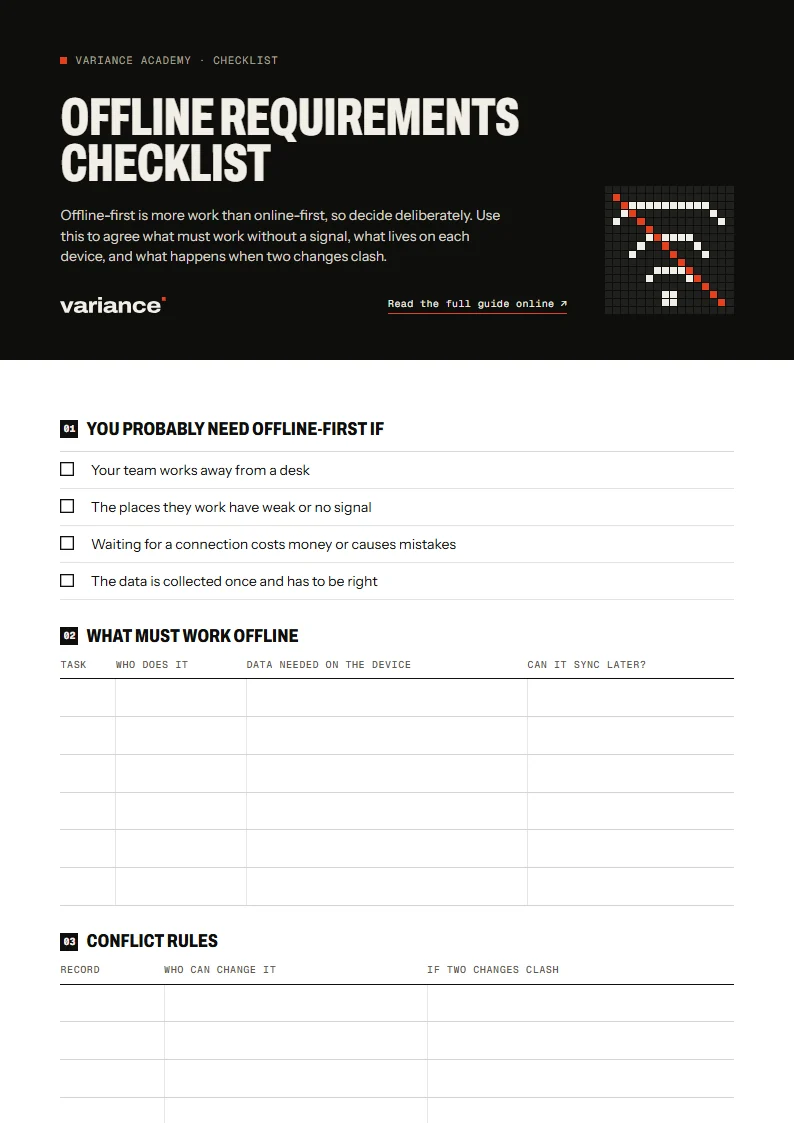
Offline-first is more work than online-first, so decide deliberately. Use this to agree what must work without a signal, what lives on each device, and what happens when two changes clash.
Checklist
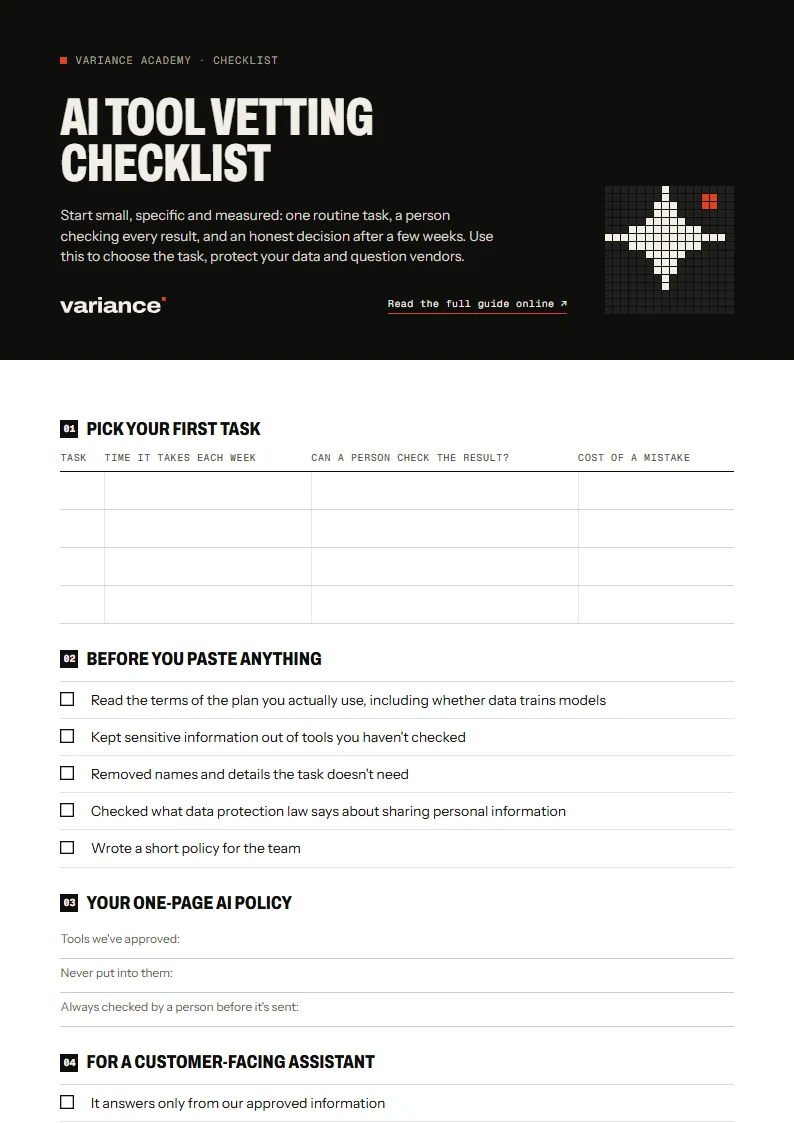
Start small, specific and measured: one routine task, a person checking every result, and an honest decision after a few weeks. Use this to choose the task, protect your data and question vendors.
Template
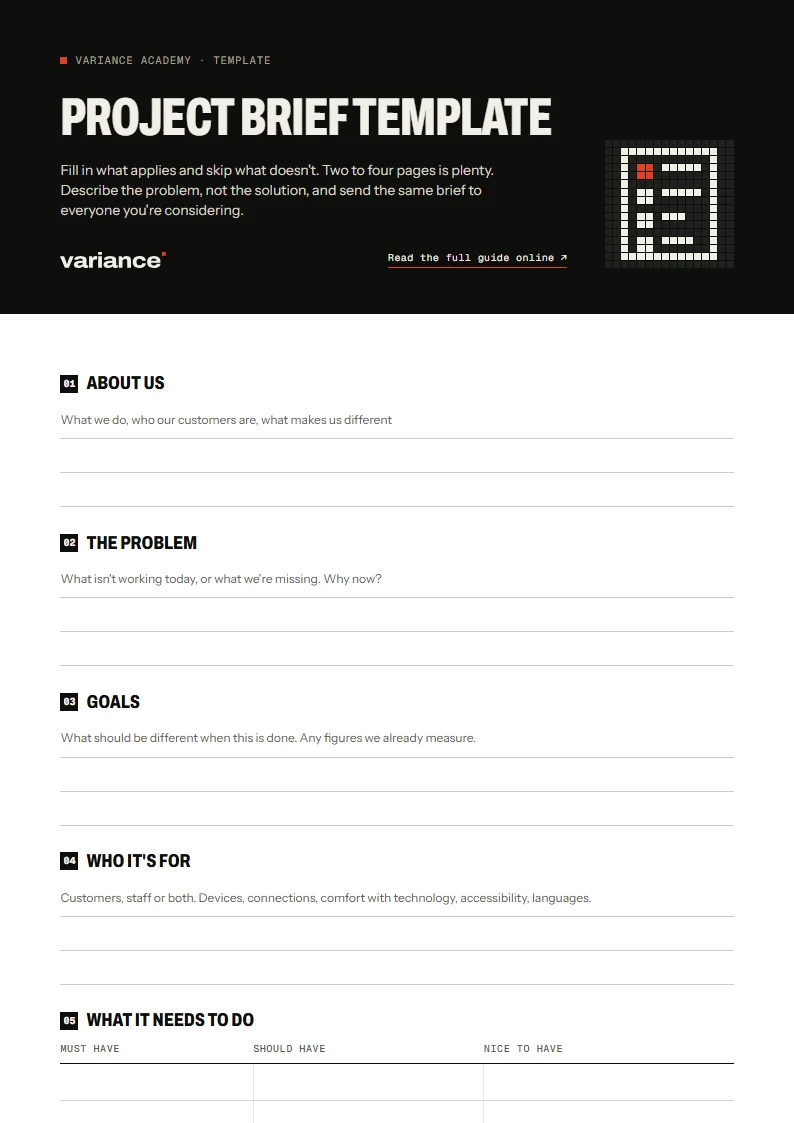
Fill in what applies and skip what doesn't. Two to four pages is plenty. Describe the problem, not the solution, and send the same brief to everyone you're considering.
Tell us what you’re trying to do. We’ll reply with questions, then a written scope and one fixed price.