Who owns your code? Domains, hosting, logins and a proper handover
Many businesses discover they don't control their own website on the day they need to change developers. Here's what you should own, how to check, and what a proper handover looks like.
It usually comes up at a bad moment. The developer who built your website has moved on, or stopped answering messages, or you’ve simply decided to work with someone else. You ask for access, and discover that the domain is registered in their name, the hosting is on their account, and nobody is quite sure where the code is.
At that point the website you paid for is, in practice, not fully yours. You can’t move it, you may not be able to change it, and in the worst cases the domain your customers know you by is held by someone else.
This is avoidable, and it doesn’t require any technical knowledge. It requires knowing what to ask for at the start, and checking you have it at the end.
The pieces that make up “your website”
A website or app isn’t one thing. It’s several separate pieces, and each one can be owned by a different person.
The domain name. The address, like yourbusiness.com. You rent it from a registrar, usually by the year. Whoever holds the registrar account controls it: where it points, whether it’s renewed, and whether it can be transferred.
The hosting. The servers where the website runs. This might be a hosting company, a cloud platform, or a service built for a particular kind of site. Whoever holds the account controls whether the site stays online.
The code. The files that make the website work. It usually lives in a code repository (a service like GitHub or GitLab) as well as on the hosting.
The content and data. Your text, images, product lists, customer records, orders and enquiries. Usually stored in a database or a content management system.
The design files. The source files for the design, in whatever tool the designer used, plus things like logos and icons.
The third-party accounts. Everything the site depends on: email sending, payments, maps, analytics, booking tools, app store accounts for mobile apps, and so on.
The logins. The admin accounts for all of the above.
Each of these should be yours, or at the very least, you should be able to take control of it whenever you want.
What “owning it” should mean
The accounts are in your name
The simplest rule, and the most important: every account should be registered to your business, with an email address your business controls (not a personal address of one staff member, and not the developer’s).
Your developer can still do their work. Most services let you invite someone with their own login and the right level of access. When the work ends, you remove their access, and nothing breaks.
This matters most for the domain. If the domain is in your developer’s name, they control your business’s address on the internet and your email if it uses the same domain. Getting it back can be slow and difficult even when everyone is cooperating.
You have the code
You should have a copy of the full source code, ideally in a code repository your business owns, where your developer works directly. Then there’s no “handover” of code at all: it was always in your account.
At minimum, at the end of the project you should receive the complete code and instructions for running it.
You have the rights to use and change it
Owning a copy of the code isn’t the same as having the right to use it however you like. Your agreement should state clearly that once you’ve paid, you own the rights to the design and the code written for you, or at least have a permanent licence to use, change and have others work on it.
It’s normal for a project to use some things the developer doesn’t own, such as open-source software libraries, fonts and stock images. That’s fine. Each comes with its own licence, and your developer should tell you about any that come with conditions or costs.
What you want to avoid is an arrangement where the developer keeps ownership of work you paid for, and only lets you use it while you keep paying them.
You can leave
A good test of any setup: if you decided tomorrow to work with a different developer, could they pick it up? They’d need access to everything above, the code, and enough documentation to understand how it fits together.
If the answer is “only if the original developer helps”, you’re more dependent than you should be.
The ones people forget
Some pieces are easy to overlook until something goes wrong.
Email on your domain
If your business email uses your domain (like hello@yourbusiness.com), whoever controls the domain’s settings controls where that email goes. The same settings, called DNS records, decide where your website points, and prove to other email providers that your messages are genuine.
That means losing control of the domain can mean losing your email too, including password resets for every other account that uses it. Make sure the email service itself is in your business’s name, and that you can see and change the DNS records.
The domain renewal
Domains are rented, not bought outright. If a renewal payment fails, perhaps because it’s charged to an old card or to a developer who has moved on, the domain can expire. After expiry, registrars and registries usually allow a period in which the owner can still renew, sometimes for an extra fee. The exact rules depend on the domain ending and the registrar. If it isn’t renewed in time, it can be released and anyone can register it.
Turn on automatic renewal, keep the payment card up to date, and make sure renewal reminders go to an address someone reads.
App store accounts
For a mobile app, the Apple and Google developer accounts matter as much as the domain. The app listing, its reviews and ratings, and the ability to publish updates all belong to whichever account published it. Both stores provide ways to transfer an app between accounts, but it’s much simpler if the app is published under your organisation’s account from the start.
Platforms and subscriptions
If your website runs on a hosted platform, such as a website builder or an online shop service, you don’t own the code in the same way. That can be a perfectly sensible choice. But check what you can take with you if you leave: usually your content, products and customer data can be exported, while the design and features may not transfer. Make sure the platform account is in your name, and know how to export.
Messaging and payment accounts
WhatsApp Business, SMS providers, email marketing tools and payment accounts all hold something valuable: your number, your sender name, your subscriber lists, your transaction history. Payment accounts in particular should always be in your business’s name, because that’s where your money goes. (For WhatsApp specifically, see The WhatsApp Business Platform, explained.)
Warning signs
Some setups make it hard to leave, sometimes on purpose and often by accident:
- The domain is registered to the developer or agency. Check this first.
- The site runs on the developer’s own hosting account, bundled into a monthly fee, with no way for you to see or access it.
- The site is built on a platform only the developer can log in to. Or it uses tools they’ve built themselves that only run on their servers.
- Nobody can tell you where the code is.
- “Licensing” language in the agreement, where you pay to use the site but the developer owns it.
- No documentation. Nothing written down about how the site is built, where things are hosted, or how to update it.
None of these proves bad intent. Plenty of well-meaning developers set things up on their own accounts because it’s quicker. But each one leaves you exposed, and each is easier to fix before you need to.
How to check where you stand today
If you already have a website or app, you can check most of this yourself in an afternoon.
Find out who holds your domain. Look up your domain with a registration lookup (search for “WHOIS lookup” or check the registry’s lookup for your domain ending). Many registrars hide personal details for privacy, so the result may not show a name. Ask your developer directly: “Which registrar is the domain with, and whose account is it in?” Then ask for access, or for it to be moved to an account in your business’s name.
Find out where the site is hosted, and whose account that is.
Ask for access to the code repository. If there isn’t one, ask for a complete copy of the code.
Make a list of every account the site uses, who holds it, and what it costs. Your developer should be able to produce this quickly. If they can’t, that tells you something.
Read your agreement for anything about ownership, licensing or intellectual property.
If you find problems, raise them calmly and in writing. Most can be fixed with a few account transfers.
If you can’t get access
Occasionally the person who holds the accounts can’t be reached, or won’t cooperate. Some practical steps:
- Start with a clear, polite request in writing, listing exactly what you need: domain transfer, hosting access, code, logins. Give a reasonable deadline.
- Contact the registrar. If the domain was registered with your business’s details as the registrant, the registrar has procedures to help the registrant regain control, usually by proving who you are. This is much harder if the developer registered it in their own name, which is exactly why it matters.
- Contact the hosting company and other providers. Some can help if you can show that the account was set up for your business, for example with invoices you paid.
- Look at what you can rebuild. If your content is public, it can be copied from the live site. Your customer data may exist in other systems, such as your email, payment provider or accounting software.
- Get advice if it’s serious. If a lot is at stake, a lawyer can advise on your rights under your agreement.
Prevention is far easier than any of this. Which is why the next section matters.
What a proper handover includes
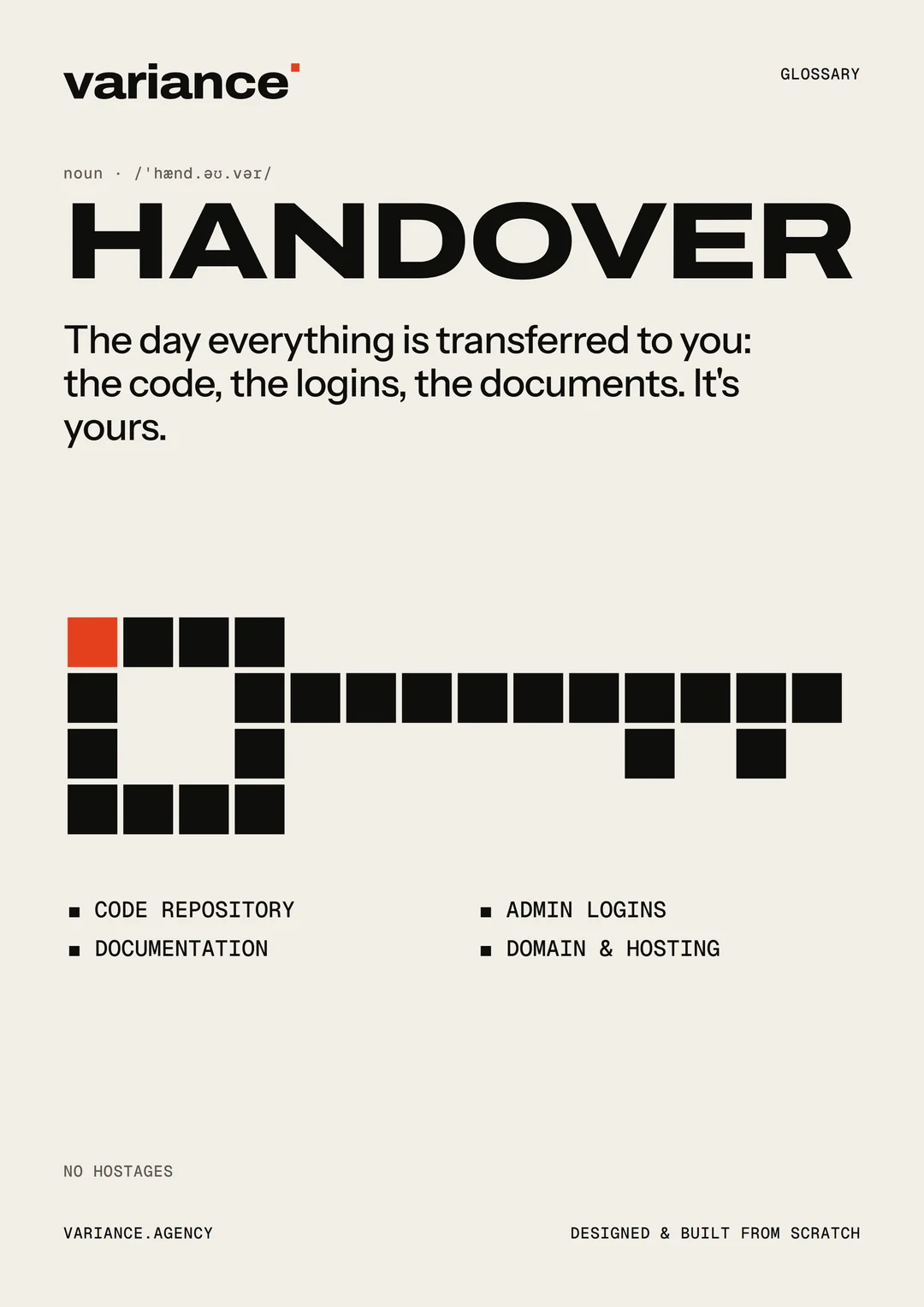
Whether it’s at the end of a project or when you change developers, a handover should leave you able to carry on without the person who built it. It should include:
Access
- Every account in your business’s name, with your team as owners.
- The developer’s access either removed or reduced to what you agree they still need.
- Passwords changed where they were shared.
- Two-step verification turned on for the important accounts, especially the domain registrar, hosting and code repository.
Code
- The complete source code, in a repository you own.
- Instructions for running it locally and for deploying changes.
- A list of the main third-party libraries and services it depends on.
Documentation
It doesn’t need to be long. It needs to answer the questions the next person will have:
- What the system is and what each part does.
- Where it’s hosted, how it’s deployed, and how to roll back a bad release.
- Where the data lives and how it’s backed up.
- What costs money each month, and what happens if a payment fails.
- Any known issues or unfinished work.
Design files
The source design files, the logo in usable formats, and any fonts and images with their licences.
Content and data
A way to export your content and data in a standard format, and confirmation of where backups are kept and how to restore one.
A walkthrough
A short session for your team on how to update content, and where to find everything above. Record it if you can.
Putting it in the agreement
The easiest time to get all of this is before the project starts. Ask for your agreement to say:
- All accounts will be created in the client’s name.
- The client owns the design and code created for the project once it’s paid for, subject to the licences of any third-party components, which will be listed.
- At the end of the project, the developer will hand over the complete source code, design files, documentation and access, as listed above.
- If the relationship ends, the developer will cooperate with transferring access within a reasonable time.
A developer who’s confident in their work will have no problem with any of this. You’re not asking for anything unusual.
Why good developers want this too
It can feel awkward to ask about leaving before you’ve even started. It shouldn’t. Clear ownership protects both sides: you know you’re never trapped, and the developer knows there will be no argument later about who owns what.
It also changes the relationship for the better. When you can leave at any time, the reason you stay is that the work is good. That’s the kind of relationship worth having.
How we handle it
At Variance, the domain, hosting and every other account are set up in your business’s name from the start, and we work inside them with our own logins. The code lives in a repository you own. At the end you receive the design files, the documentation and every login, and we walk your team through it.
If you’re not sure whether you own your current website or app, get in touch. We’ll help you work out what you have and what to ask for, whether or not you end up working with us.