Offline-first apps: tools that keep working when the connection doesn't
If your team works where the signal comes and goes, an app that stops working offline stops your business. Here's how offline-first apps work, what's genuinely hard about them, and how to tell if you need one.
A delivery driver marks a parcel as delivered in a lift with no signal. An inspector fills in a checklist in a basement plant room. A sales rep takes an order in a shop at the end of a dirt road. A clinic records a visit while the internet is down again.
With most apps, each of those moments ends the same way: a spinning wheel, an error message, and someone writing notes on paper to type in later, if they remember.
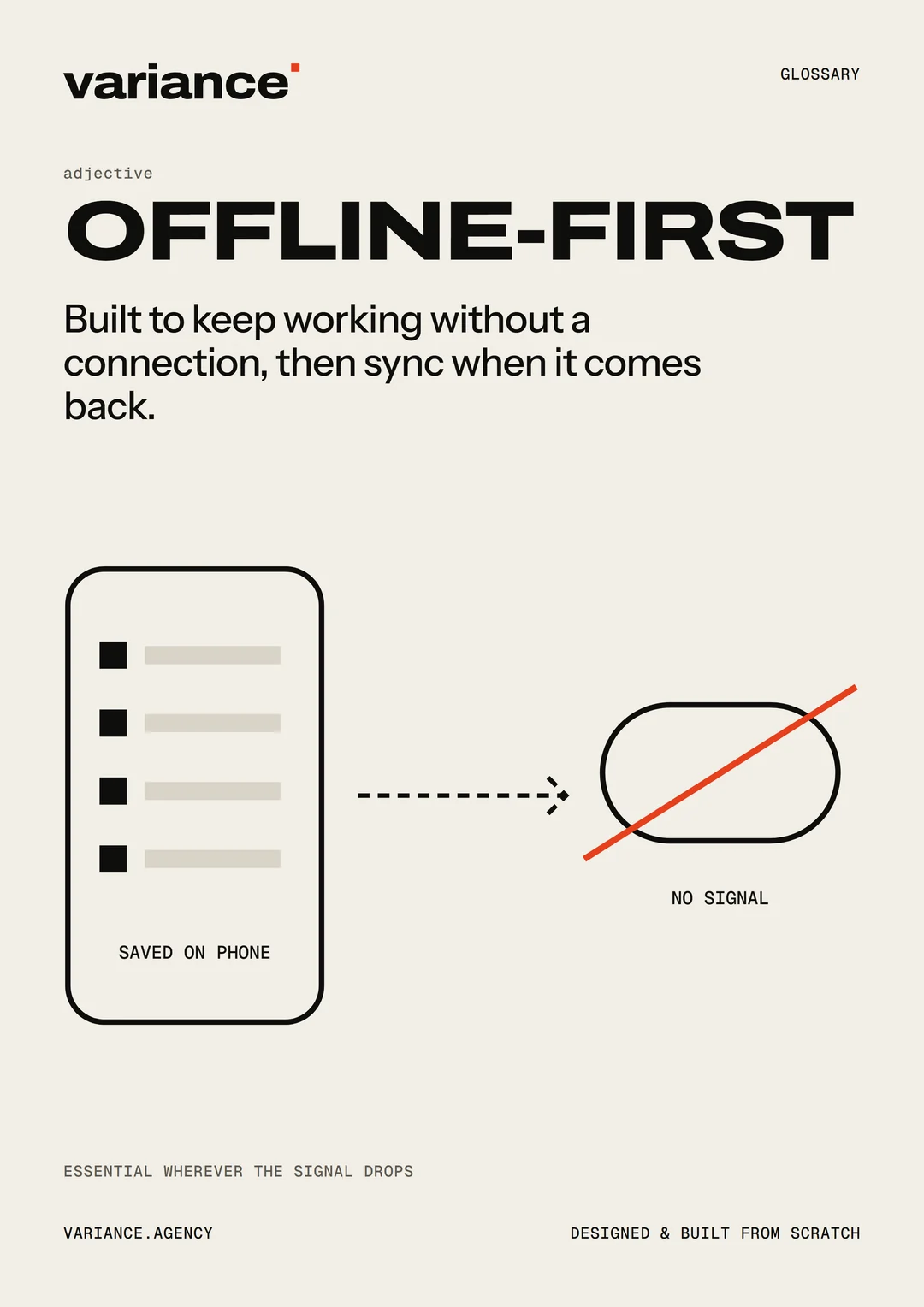
An offline-first app is built the other way round. It assumes the connection might not be there, does its work on the device, and catches up with the server when it can. For the person using it, the connection stops being their problem.
This guide explains how that works, what’s genuinely difficult about it, and how to tell whether your business needs it. It’s written for business owners and managers, with enough detail to have a useful conversation with a developer.
Offline-first versus “works offline sometimes”
Most apps are online-first. Every action sends a request to a server and waits for the answer. If the connection drops, the action fails. Some apps add a little caching so a few screens still load, but anything that changes data needs the connection.
An offline-first app turns that around:
- Everything the person needs is stored on the device. Their jobs for the day, the product list, the customer details, the forms.
- Every change is saved on the device first, instantly, whether or not there’s a connection.
- Changes are sent to the server in the background when a connection is available, and changes from others are brought down.
The screen never waits for the network. That’s why offline-first apps also feel fast on a good connection: they aren’t waiting for a round trip on every tap.
How it works
You don’t need to know how to build one, but understanding the pieces helps you ask the right questions.
A local database
The app keeps its own database on the device. In a mobile app, that’s usually SQLite or something similar. In a web app, the browser provides storage such as IndexedDB, which can hold a surprising amount of data.
This local database is what the app reads from and writes to. The server is the shared record that everyone’s devices sync with.
A way to load when offline
A mobile app is installed, so its screens are always on the device.
A web app needs a little more help. A service worker, a small script the browser runs in the background, can store the app’s files on the device so the app opens even with no connection. Combined with installing it to the home screen, this is what makes a progressive web app feel like an installed one. (We compare the options in Website, web app or mobile app?)
A queue of changes
When someone makes a change offline, the app records it in a queue: “job 214 marked complete at 10:42, with this photo and this signature”. When the connection returns, the app works through the queue, sending each change to the server and confirming it arrived.
Some browsers can finish sending the queue in the background even after the app is closed (the Background Sync API), but support varies between browsers. A well-built app doesn’t depend on it; it also syncs whenever it’s opened.
Sync
Sync is the process of bringing the device and the server into agreement: sending local changes up, bringing others’ changes down, and resolving any differences. It’s the heart of an offline-first app, and it’s where most of the difficulty lives.
The hard parts
Offline-first is more work than online-first, and it’s worth knowing why. These are the questions a good developer will raise, and the ones to be wary of anyone brushing aside.
Conflicts
Two people change the same thing while one of them is offline. The dispatcher reassigns a job to a different driver; meanwhile, the original driver, offline, marks it as started. When both changes reach the server, which one wins?
There’s no single right answer. It depends on the business:
- Last change wins. Simple, and fine for things like a note or a phone number, but it can quietly lose information.
- Merge the changes. If one person changed the address and another changed the phone number, keep both. This works when changes touch different parts of a record.
- Rules per field. For example, a job marked “complete” can never be moved back to “pending” by an older change.
- Ask a person. Flag the conflict and let someone decide. Best for rare, important cases.
The key is deciding these rules deliberately, with the people who understand the work, rather than leaving them to whatever the software does by default.
Designing the data so conflicts are rare
Much of the skill in offline-first work is structuring information so conflicts rarely happen. For example, instead of each person editing a shared “stock count” number, each person records the change they made (“added 12”, “sold 3”), and the server adds them up. Records that only ever grow, like logs, visits and readings, rarely conflict at all.
What goes on the device
Not everything should be stored on every device. A driver needs today’s jobs, not every job ever. A sales rep needs their customers and current prices, not the company’s financial records. Deciding what each person’s device holds affects speed, storage and security.
Security
Data on a device can be lost or stolen with the device. Offline apps need to think about:
- Storing only what’s needed on each device.
- Signing out properly, including clearing data when someone leaves the business or a device is lost.
- Sign-in that expires. Normally, a session expires and the person signs in again. But what happens if they’re offline when it expires, with unsent work in the queue? The app needs to keep their work safe and ask them to sign in again when they’re back online, without losing anything.
Storage limits
Devices have limited space, and browsers in particular manage it carefully. A web app can ask the browser to keep its data persistently, rather than treating it as a temporary cache that can be cleared when space runs low. Some browsers also clear stored data for sites people haven’t used for a while. Safari, for example, may do this for websites, but treats web apps added to the home screen differently.
A well-built offline app handles this: it asks for persistent storage, keeps the most important data (unsent changes) safest, and can always rebuild everything else from the server.
Updates
When you release a new version of the app, some devices will still be running the old one, perhaps with unsent changes in the old format. The server needs to accept changes from older versions for a while, and the app needs to update its local database carefully without losing anything.
Testing
Offline behaviour has to be tested deliberately: switching the connection off halfway through an action, bringing it back, running two devices against each other, filling the queue, and letting a session expire offline. These scenarios don’t happen when a developer tests at their desk on fast office internet, so they need to be part of the plan.
Designing the experience
Technology is only half of it. The people using the app need to trust it. That means:
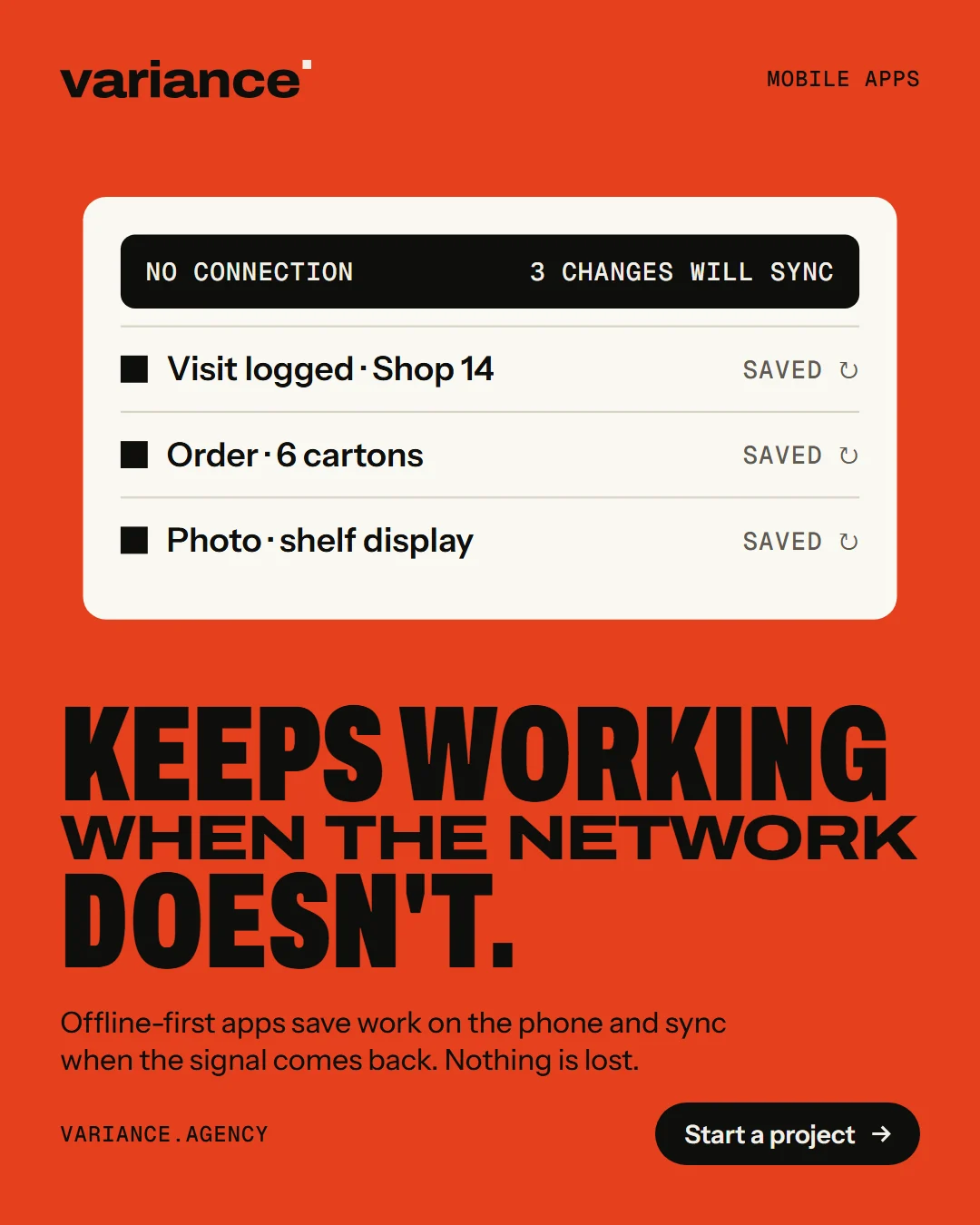
Always showing where things stand. A small, calm indicator: “All changes saved”, “3 changes waiting to sync”, “Offline – your work is saved on this phone”. Not an alarming banner every time the signal drops.
Being honest about what’s waiting. If a job is marked complete but not yet synced, show that. If something failed to sync, say what and why, and offer a way to fix it.
Never losing work. This is the promise of offline-first, and it has to hold in every case: the app closing, the phone restarting, the battery dying, the session expiring.
Making sync automatic. People shouldn’t need to remember to press a “sync” button. A manual option can be there for reassurance, but the app should sync on its own whenever it can.
Handling photos and large files sensibly. Photos are often the biggest part of what’s queued. Compress them on the device, upload them in the background, and show progress.
A day in the life of an offline-first app
To make this concrete, here’s how a day might look for a made-up field technician using an offline-first app.
At the depot, on Wi-Fi, the app syncs in the background. Today’s six jobs arrive, with customer details, equipment history, the checklists for each job and the parts list. It takes a moment, and she doesn’t need to do anything.
At the first site, in a basement with no signal, she opens the job, works through the checklist, takes four photos and gets the customer’s signature on the screen. Everything saves instantly. A small note at the top says “Offline – 1 job waiting to sync”.
Driving to the next site, her phone picks up a signal for a few minutes. The app sends the finished job and its photos to the server. The office sees it complete before she’s parked, and the customer receives a confirmation.
Meanwhile, the office adds an urgent job to her afternoon. The next time her phone connects, it appears in her list.
At the third site, the customer mentions a problem with a unit she serviced last month. She opens its history, which is already on her phone, and sees what was done.
At the end of the day, everything has synced. Nothing was written on paper, nothing was typed in twice, and nobody at the office had to call to ask how the jobs went.
That’s the experience worth aiming for: the connection was bad most of the day, and it didn’t matter.
When you need offline-first
You probably need it if:
- Your team works away from a desk: on deliveries, site visits, inspections, farms, events, in shops or in the field.
- The places they work have weak or no signal: basements, rural areas, large buildings, remote sites.
- Stopping to wait for a connection costs money or causes mistakes. People fall back on paper, and details get lost between the paper and the system.
- The data is collected once and has to be right, such as a signature on delivery, a reading, a photo of damage or a patient visit.
You probably don’t need full offline-first if:
- People use the tool at a desk with a reliable connection.
- The work only makes sense online, such as live chat or real-time payments, although even these benefit from clear messages when the connection drops.
- Only a few screens need to work offline. Sometimes caching a reference list or letting people read today’s schedule is enough, and it’s much simpler than full sync.
There’s a middle ground too: an app that’s online-first for most things but lets people carry on with the one or two tasks that matter most when the signal drops. That’s often the best value.
Questions to ask a developer
- What exactly will work offline, and what won’t?
- What’s stored on each device, and how is it protected if the device is lost?
- How will conflicts be handled? Can we agree the rules for each type of record?
- How does the app show people what’s synced and what isn’t?
- What happens if someone’s sign-in expires while they’re offline with unsent work?
- How are photos and large files handled?
- How will offline scenarios be tested?
- What happens to unsent changes when we release an update?
A developer who has built offline-first apps before will have clear answers. If the answers are vague, or the questions seem unwelcome, be careful.
How we approach it
At Variance, we build apps for people who work where the signal doesn’t. We start by mapping who needs what data, on which device, in which conditions, and agree the conflict rules with the people who do the work. Then we test the way the app will really be used: with the connection off, on inexpensive phones, and with two devices arguing over the same job.
If your team loses time or data to bad connections, tell us where they work. We’ll tell you honestly whether offline-first is worth it, or whether something simpler will do.